The short answer
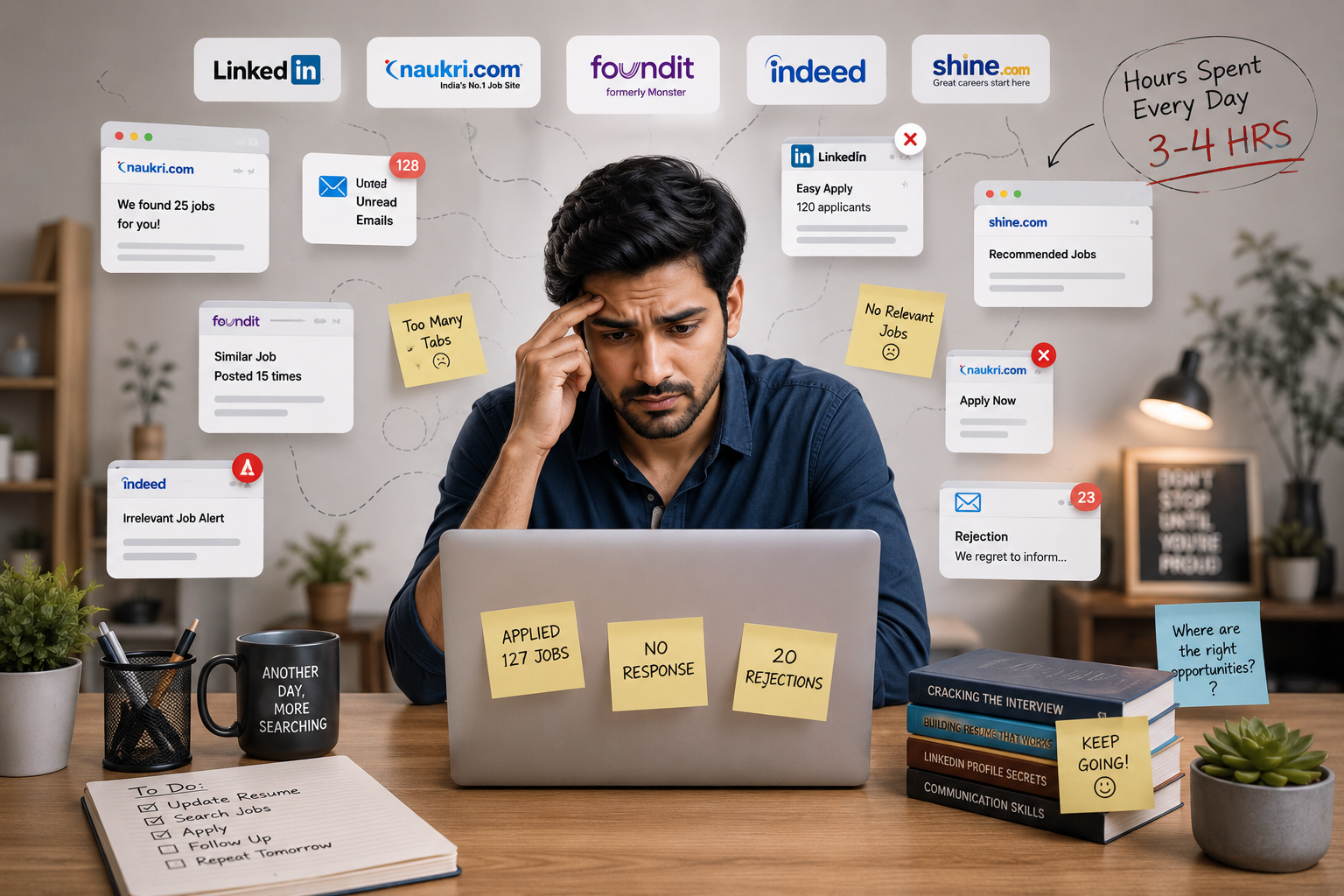
If you're applying and hearing nothing, it may not be your experience. Often your resume was never read in a way that showed it. Hiring software ranks applicants before a person looks, and small things like wording and layout can push a strong resume down the list. The good news: most of those things are easy to fix.
What happens after you apply
Most applications go through the same few steps before a person sees them. Strong resumes usually get lost at the steps marked below, not because anyone decided against them.
- 1You apply
Your resume goes into the employer's hiring system.
- 2Software reads itStrong resumes get lost here
Your resume is turned into fields: name, dates, titles, skills.
- 3It gets a scoreStrong resumes get lost here
Those fields are compared with the job description.
- 4It's ranked
Every applicant is sorted, highest score first.
- 5A recruiter reads the top
With dozens of open roles, few get past the first page.
Why it matters: a low rank works like a rejection. You hear nothing, and the employer never knows they missed you.
3 reasons strong resumes get missed
Your words don't match theirs
Keyword screening rewards exact phrases. If the job says “ETL” and you wrote “built the data ingestion layer”, you can score lower, even though you did more.
Fix: Use the job description's terms where they honestly describe your work.
The layout confuses the software
Two columns, tables, text boxes and graphics look great to people. Some systems read them out of order, or skip text inside images entirely.
Fix: Use one column, plain text, and standard section headings.
Your experience isn't obvious
Unusual job titles, missing dates and unexplained career breaks can all pull a score down, even when the work itself is a strong match.
Fix: Add a clear title, dates for every role, and one line to explain a break.
None of this measures whether you can do the job. Better screening looks past the exact wording to what you've actually done:
What keyword filters reward
- Exact phrase matches
- Specific tool names
- Standard job titles
- Common formatting
What actually predicts fit
- Equivalent skills and tools
- Transferable experience
- Real outcomes
- Career direction
- Problem-solving
Your 5-minute resume check
Open your resume and go down this list. Each fix makes it easier for software and people to read.
- One column, no text boxes
Keep everything in a single column of real text, not tables or graphics.
- Standard headings
Use headings like “Experience”, “Education” and “Skills” so each section is easy to find.
- Dates on every role
Put dates in the body of the resume, not in a header or footer.
- Name as text, not an image
Your name and contact details should be selectable text at the top.
- Match the job's language
Mirror terms from the posting where they truly fit your experience. Never add skills you don't have.
- Outcomes, not duties
Say what changed because of your work: faster, bigger, cheaper, fewer errors.
- Do the plain-text test
Paste your resume into a plain text file. If it reads in a jumbled order, software may read it that way too.
A good rule of thumb: if a change only helps the software and makes the resume worse for a person, skip it. A clear resume works for both.
What fair screening looks like
You can only fix your side. Here is what you should expect from the employer's side:
- It reads for meaning, not exact words. Equivalent skills and similar experience count.
- A person makes the decision. Software can suggest a shortlist, but people decide who moves forward.
- You hear back. A confirmation, a rough timeline, and an answer either way, even if it's no.
At HyeRHub.ai, screening ranks and recommends, and a person makes every decision to move a candidate forward or turn them down. That can't be switched off.
Key Takeaways
- Silence after applying often means your resume ranked low, not that you weren't qualified.
- Different wording for the same skill can lower your score.
- Simple, single-column layouts are the easiest for software to read.
- Clear titles, dates and outcomes help both software and people.
- Good screening looks at what you've done, and a person makes the call.
Let BuildR do the check for you
Free, and it works without an account until the moment you generate the finished document.
Paste the posting. BuildR builds a version aimed at that role and scores how well your history lines up with it, so you can see the gap before an employer does.
Tailoring shows you which parts of your history it dropped, so nothing disappears quietly. If it cut something you consider central, that is worth knowing before you send it.
Paste a job that is not a match and BuildR says so up front, rather than handing you a resume that quietly overstates the fit and wastes an application.
Questions this raises
Does a resume really get rejected without a human reading it?
Rarely by an explicit automated rejection. Far more often the resume is scored, ranked low, and lands on a page of the queue the recruiter never reaches. Nobody decided against the candidate; the ranking decided for them, which is harder to see and harder to appeal.
How do I know whether my resume parses correctly?
Save it as plain text and read what comes out. If the sections run together, dates go missing, or your name is absent because it sits inside a graphic, a parser may see the same mess. BuildR runs this check for you and shows what is lowering the score.
Should I copy keywords from the job description?
Use the employer's vocabulary where it genuinely describes your work, so equivalent experience is not missed over wording. Do not paste in terms for things you have not done: it survives a keyword filter and collapses in the first interview, which is a worse outcome than not being shortlisted.
Is a one-page resume better?
For most people with under about ten years of experience, yes, because it forces the strongest material to the top. Beyond that, length matters much less than structure. A clear two-page resume beats a cramped one-page resume that hides the work worth reading.
Which resume layout is safest?
Single-column, text-based, with real headings and dates in the body rather than in a header. Sidebars and two-column grids can be read out of order by older parsers. No layout is guaranteed to work everywhere, so single-column is the safest default, not a promise.
Will an AI tool write my achievements for me?
It should not, and BuildR does not. It sharpens weak phrasing and turns duties into achievements, but where a stronger line needs a number it does not have, it asks you for it and uses only your answer. You are the one defending that figure in an interview.